[[[SUMMARY_START]]]
Artificial intelligence is moving into routine office work through email, meetings, scheduling, search, and document tools. In many cases, workers do not open a separate AI app at all. The change is happening inside software they already use, making AI adoption quieter, faster, and harder to track.
[[[SUMMARY_END]]]
Artificial intelligence is no longer arriving at work only as a chatbot on a separate screen. It is being built into calendars, inboxes, video meetings, document editors, customer support systems, and workplace search tools. That means many people now use AI as part of an ordinary workday without always thinking of it as AI.
For years, talk about workplace AI focused on dramatic change: robots replacing jobs, or chatbots taking over whole departments. The reality in many offices is quieter.AI is entering work through small tasks that already fill the day. It summarizes long email threads. It drafts replies in a familiar tone. It turns meetings into notes and action lists. It searches across files, calendars, chats, and documents. It highlights urgent messages, suggests schedules, and helps write reports, presentations, and spreadsheets.
In practice, this means AI is often less visible than many expected. Workers may click a summary button in an inbox, accept a suggested response, or open meeting notes generated automatically after a call. The tool feels like another feature in software they already know, not a major new system.
## Built into tools people already use
This is one reason adoption has moved quickly. Major workplace software providers now offer AI features directly inside email, video meetings, chat, and document products. In common office workflows, AI can now capture meeting notes, identify decisions, draft follow-up messages, prioritize email, and pull information from company files.
That makes AI easier to use, but also easier to overlook. A worker may not say, "I used AI today." They may simply say they cleared their inbox faster, prepared a meeting recap in minutes, or found a buried document without asking a colleague for help.
Recent workplace research points to the same pattern. Employers, managers, and workers are reporting broad use of AI and other automated systems in everyday operations, often spread across existing software rather than launched as a single big project. Separate surveys also suggest employees often adopt these tools faster than senior leaders expect.
## The first jobs to change are often the most routine ones
The biggest early effects are showing up in tasks that involve organizing information, producing standard text, and coordinating office activity. Administrative support, clerical work, customer service, sales support, marketing, human resources, and other knowledge-based roles are among the areas most exposed to change.
That does not always mean full job replacement. More often, it means task reshaping.
A recruiting coordinator may use AI to draft interview messages and summarize candidate notes. A sales worker may get automatic meeting recaps and suggested follow-up tasks. A project manager may use AI to turn a call into a checklist. A customer support agent may receive draft answers based on company knowledge. A finance employee may use AI to summarize policies or prepare a first draft of a report.
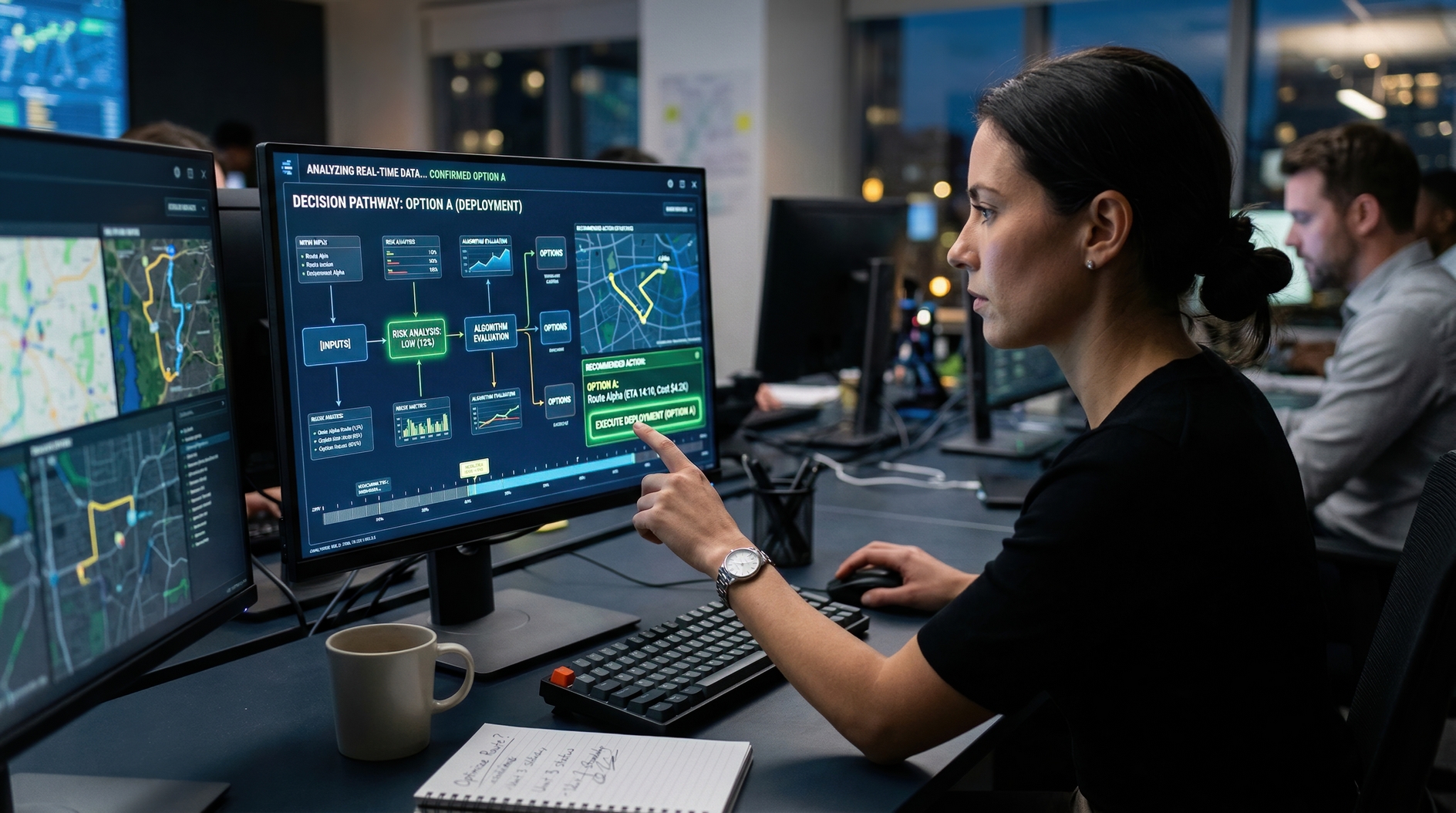
## Quiet adoption also brings new risks
The same quiet spread creates problems for employers.
When AI tools are embedded across many products, companies may struggle to track where they are being used, what data is being shared, and which decisions still need clear human review. Some surveys have found widespread use of unapproved AI tools at work. Others show that algorithmic systems are already common in assigning tasks, monitoring productivity, and coordinating schedules.
That raises questions about privacy, accuracy, bias, and worker control. An AI-written summary can miss context. A draft email can sound confident but contain an error. Automated scheduling or monitoring tools can shape a worker's day in ways that feel impersonal or hard to challenge.
These concerns matter because the most important workplace AI systems may not be the flashy ones. They may be the background tools that quietly influence what people read, write, prioritize, and decide.
## A shift in work that feels ordinary
The larger shift is cultural as much as technical. In many offices, AI is becoming part of normal digital work in the same way spellcheck, search, and cloud documents once did. It starts as a convenience feature. Then it becomes part of the standard workflow.
That helps explain why AI's arrival in everyday jobs can be hard to notice. The change is not always a headline event. It is often a series of small adjustments that save a few minutes here, reduce a routine task there, and slowly change what workers spend their time doing.
By the time companies begin calling this an AI transformation, many employees may already be living inside it.
AI Perspective
The most important AI changes at work may be the least dramatic ones. When automation arrives through familiar software, people adapt faster but may pay less attention to how their jobs are changing. That makes awareness, training, and clear rules just as important as the technology itself.


-134c72da.webp)


-6c40e5ef.webp)

-1d29b0b2.webp)
-2721737f.webp)
-55bf1fe2.webp)
-9f154954.webp)
-c76b662d.webp)
-d4c44132.webp)
-15e5ec18.webp)
-1eb7b76c.webp)
-standard-001-32820abf.webp)
-cc75401d.webp)
-a9af0d65.webp)
-1eb077c8.webp)
-b607d552.webp)